How to Fill Online College Application Forms Correctly – Step-by-Step GuideHow to Fill Online College Application Forms Correctly – Step-by-Step Guide
Every year, thousands of Indian students lose their seat in a dream college — not because of low marks, but because of errors in the online application form. A wrong date of birth, a blurry photograph, or a missed document can get your application rejected before it is even reviewed.
This guide walks you through exactly how to fill your college application form online step by step, so you never make those costly mistakes
Why Getting Your Application Right Matters
When you apply to college online, the admissions committee often sees your application before they see your marks. A poorly filled form signals carelessness.
Many college portals automatically reject applications that contain mismatched information, missing fields, or incorrectly formatted documents.
Consider this: if two students apply for the same seat — both with similar scores — and one has a clean, complete, correctly formatted application while the other has a scanned document uploaded sideways and a photograph that does not match specifications, the decision is already made.
Your online admission form is your first impression. Make it count.
Before You Start: What to Prepare
Rushing into the form without preparation is the single biggest cause of errors. Before you open the college portal, get the following ready:
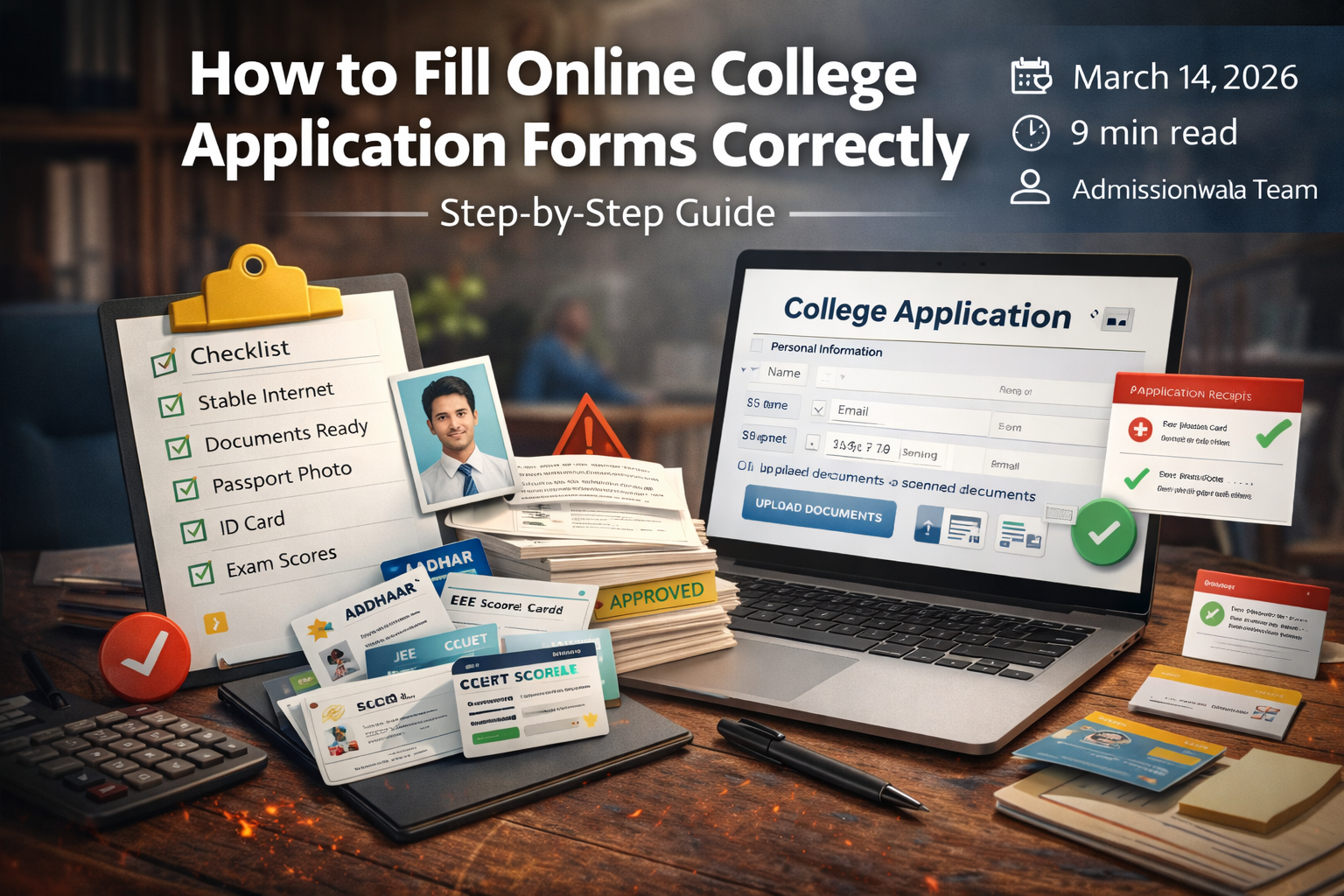
| Checklist | Description |
|---|---|
| Stable Internet Connection | Do not start the form on mobile data that may disconnect mid-upload. |
| Scanned Copies of Documents | Documents should be scanned properly, not mobile photos, in PDF/JPG/PNG format. |
| Passport Size Photograph | White background, taken within the last 6 months and sized according to the portal requirement. |
| Aadhaar or Government ID | Keep your Aadhaar card or any valid government ID ready. |
| Exam Scorecards | JEE, NEET, CUET, or other entrance exam results if applicable. |
| Email and Mobile Number | All OTPs and application confirmations will arrive here. |
| Payment Method | UPI, debit card, credit card, or net banking ready for application fee. |
| Official Instructions PDF | Download and read the college's official application instructions. |
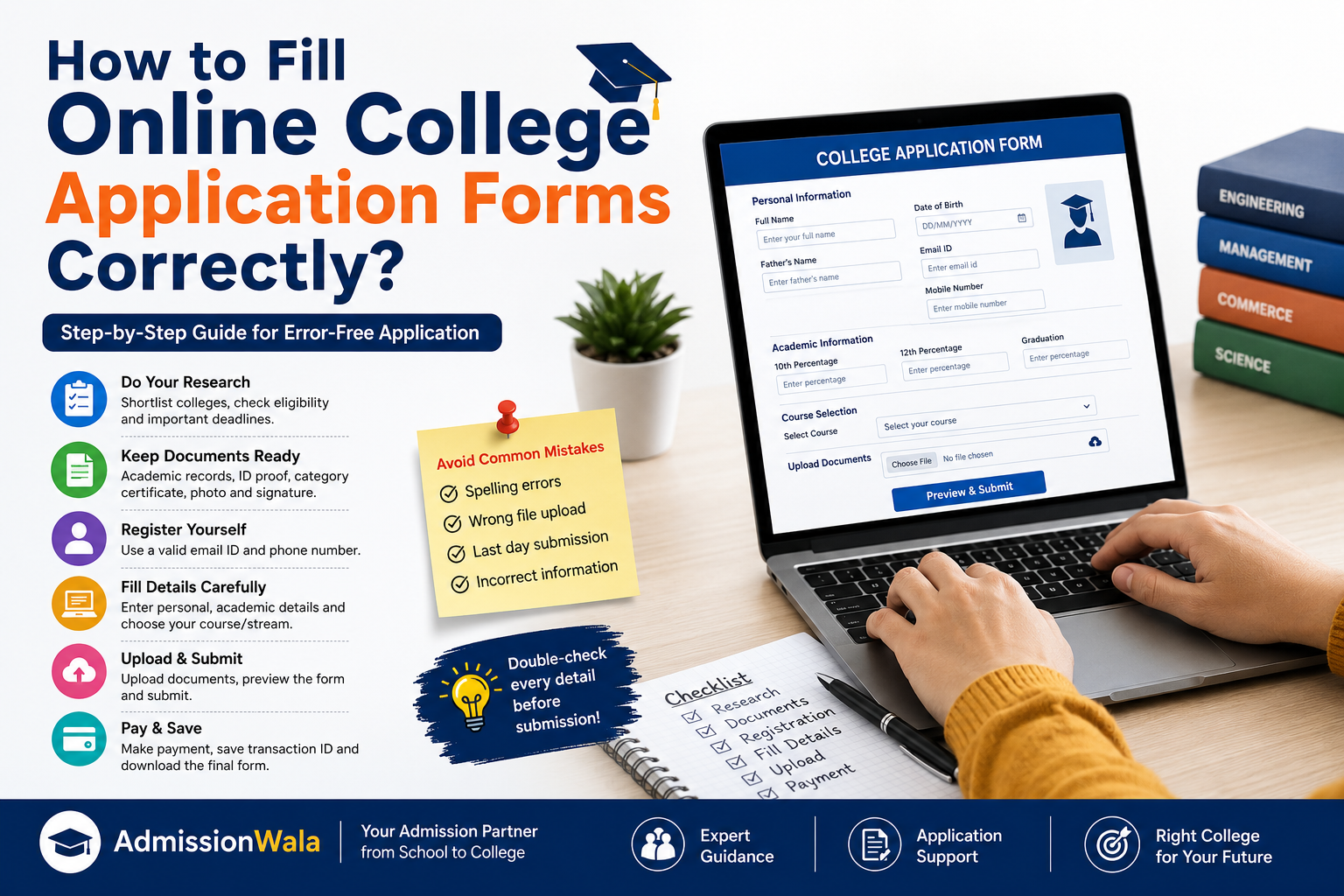
Step-by-Step: How to Fill the Online College Application Form
1. Register on the Official College Portal
Always apply through the college's official website or a verified platform. Use your personal email ID and create a strong password. Immediately note down your application ID after registration.
2. Fill Personal Details Exactly as in Certificates
Enter your name exactly as it appears on your Class 10 marksheet. Do not use nicknames. Pay attention to the date format such as DD/MM/YYYY or MM/DD/YYYY.
3. Enter Academic Details Carefully
Enter your marks exactly as required by the portal. If it asks for percentage, provide percentage. If it asks for CGPA, provide CGPA. Double-check board name, roll number, and year of passing.
4. Select Course and Category Correctly
Choose the course you want carefully. If you are applying under SC/ST/OBC/EWS or any reservation category, make sure your certificate is ready before selecting it.
5. Upload Documents in Correct Format and Size
Each portal has specific limits such as photo under 50KB or document under 200KB. Resize files before uploading and clearly label each document.
6. Review the Entire Form Before Submission
Most portals provide a preview page before final submission. Check every field carefully because many portals do not allow editing later.
7. Pay the Application Fee and Download Confirmation
Complete payment through the official payment gateway. After payment, download the confirmation receipt immediately and keep both a PDF and screenshot for safety.
Document Checklist for Online Admission
| Document | Purpose |
|---|---|
| Class 10 Marksheet | Identity and date of birth verification |
| Class 12 Marksheet | Academic eligibility |
| Passport Size Photo | Identity verification |
| Aadhaar Card or Government ID | Official identity proof |
| Entrance Exam Scorecard | Merit-based selection |
| Caste Certificate | Reservation eligibility |
| Domicile Certificate | State quota eligibility |
| EWS Certificate | Economic weaker section quota |
| Transfer Certificate | School leaving verification |
| Migration Certificate | Board change verification |
7 Common Mistakes Students Make (and How to Avoid Them)
- Name spelling mismatch – Always copy your name directly from your marksheet.
- Wrong photo format – Use a passport-size photo with white background.
- Incorrect date of birth – Check the date format before entering.
- Uploading wrong documents – Label and organise files before starting.
- Selecting wrong category – Confirm reservation eligibility before selecting.
- Not saving payment receipt – Download and screenshot the receipt.
- Waiting until the last day – Submit applications at least 3–5 days before deadline.
Pro Tips to Boost Your Application Success
- Apply to 6–8 colleges instead of just one.
- Create a dedicated email address for applications.
- Maintain a spreadsheet tracking each application.
- Check the course eligibility requirements before applying.
- Review previous year cutoffs to understand realistic chances.
- Log into portals after submission to confirm status.
How AdmissionWala Makes the Application Process Easier
AdmissionWala provides a Common Application Form platform that allows students to apply to more than 2000 colleges through one application.
Instead of filling separate forms for every college, you fill a single form and apply to multiple institutions.
- Personalised college counselling
- College prediction tool based on exam scores
- Application form error checking
- Real-time deadline alerts
Frequently Asked Questions
How do I fill an online college application form step by step?
Gather documents, register on the portal, fill personal and academic details, upload required documents, preview the form carefully, pay the fee, and download the confirmation receipt.
What are the most common mistakes in college application forms?
Common mistakes include name mismatch, incorrect photo size, wrong date format, uploading wrong documents, selecting wrong category, and not saving payment receipts.
What documents are required for online college applications?
Typically Class 10 and 12 marksheets, photograph, Aadhaar or ID, entrance exam scorecard, and category certificate if applicable.
Can I edit my college application form after submission?
Most portals do not allow edits after submission. Some may offer a limited correction window for specific fields.
How early should I start filling my application form?
Start as soon as the application window opens and try to submit at least 5–7 days before the deadline.
Conclusion
Your future college and career opportunities can depend on how carefully you fill a single online application form.
Prepare documents in advance, follow instructions carefully, review all fields before submission, and always save your confirmation receipt.
If you want expert guidance and a simplified application process, AdmissionWala provides counselling, tools, and support to help you submit accurate applications to multiple colleges.